New Features Coming to Mobile Banking Apps
Update 9/7/2016 : The updates to the apps are now live.
Upgrades to our mobile banking app, for both Apple and Android users, are near. The newer versions will allow members to more conveniently access account information and are more compatible with upgraded operating systems. Users who have updated to at least iOS 8 and Android system KitKat will be able to take advantage of the updates.
iOS features include:
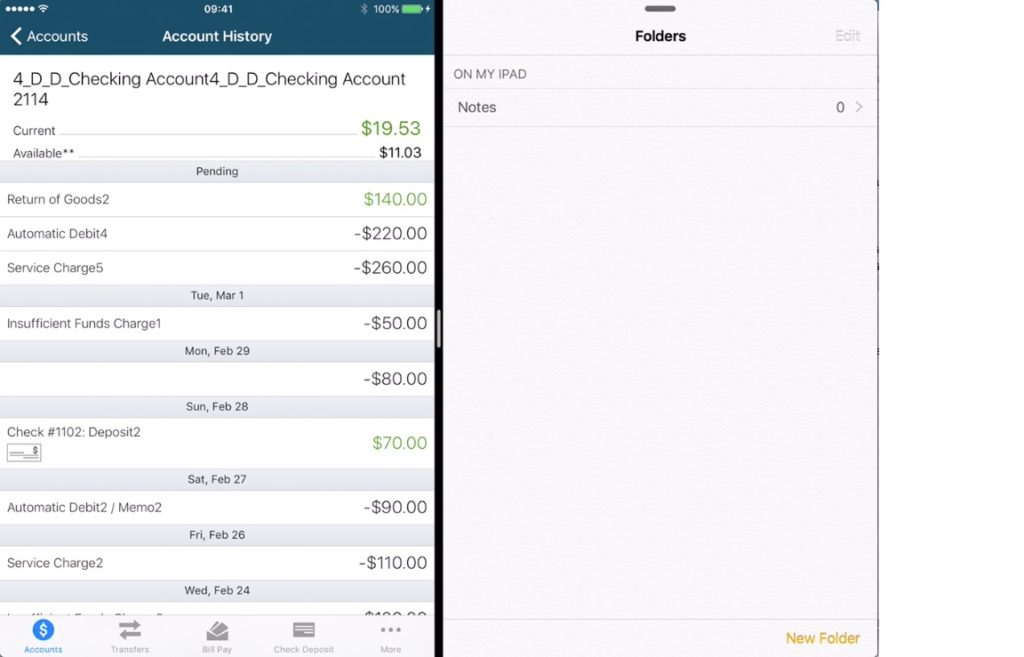
Split screen multitasking (for the iPad) – Users will now be able to use their banking app while simultaneously using others apps. To use split screen the user can drag the black divider on the side of the screen to reveal compatible split screen apps.
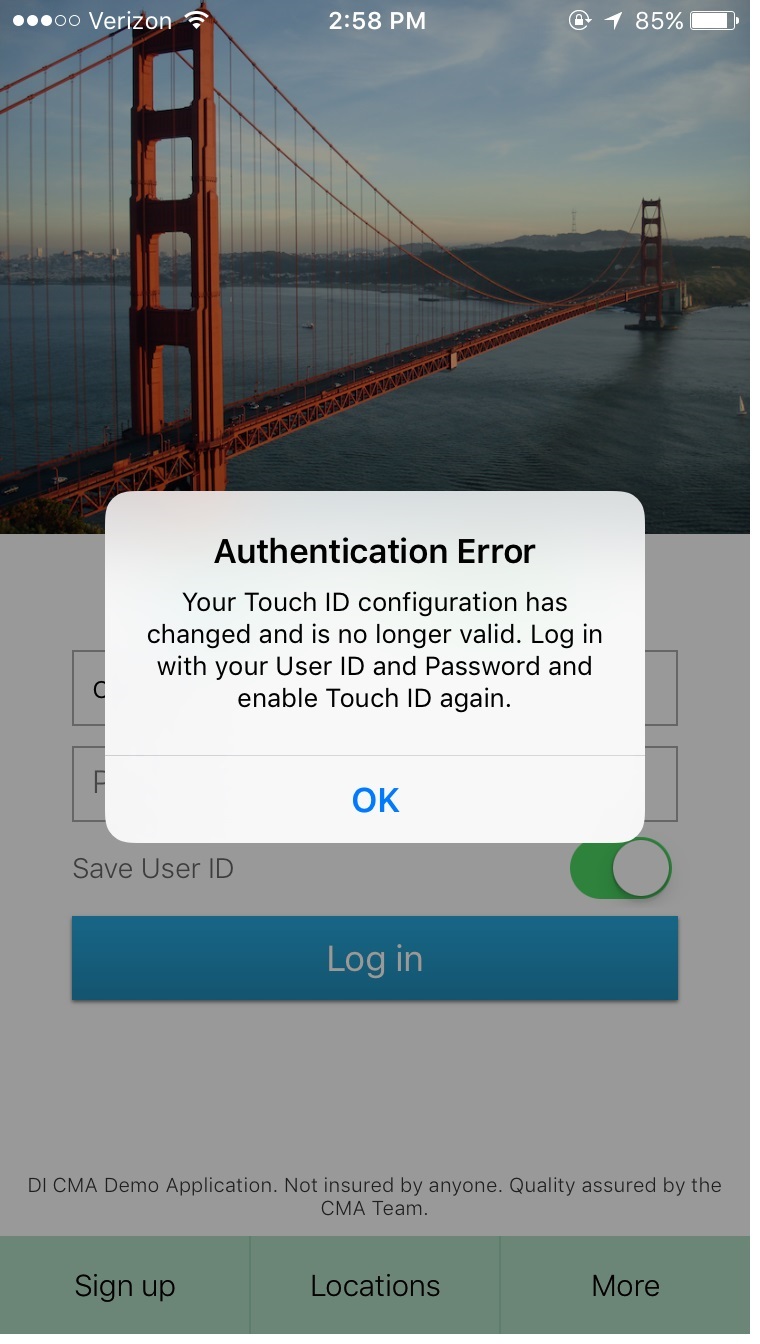
Touch ID enhancement- This is added security for users who may have multiple users on their iPhone. Users will now be prompted to log back in to Touch ID after using their username and password if Touch ID fingerprints are added or subtracted.
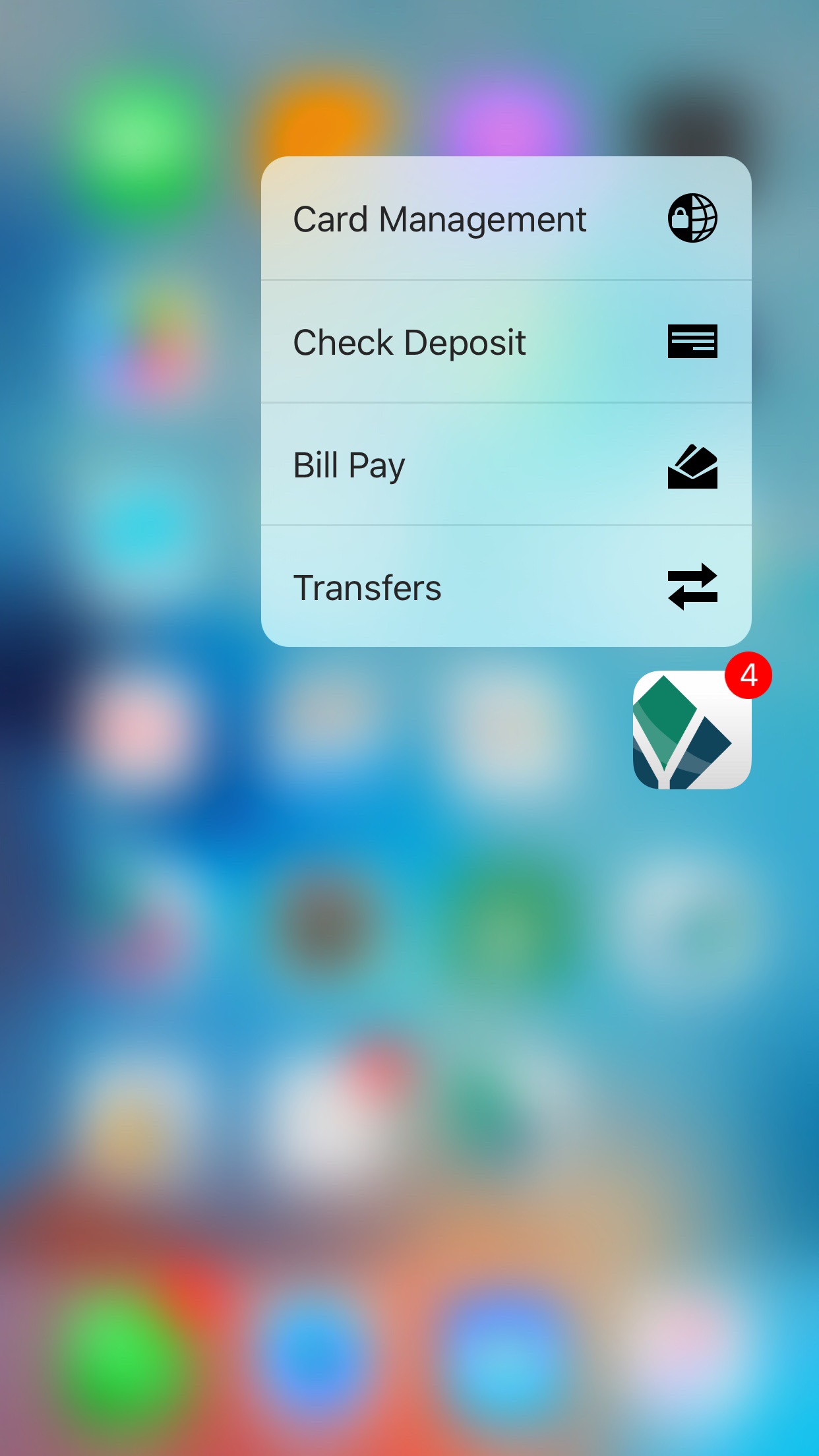
3D Touch- 3D features that are available with supported Apple hardware (iPhone 6S & 6S Plus) are now conveniently active with the mobile banking app. The 3D Quick Actions include transfers, bill pay, and check deposit. Users can also “peek and pop” on accounts and history of transactions. The user can access these features by pressing down on the Dort Federal Credit Union app, in which a list of navigation options will appear.
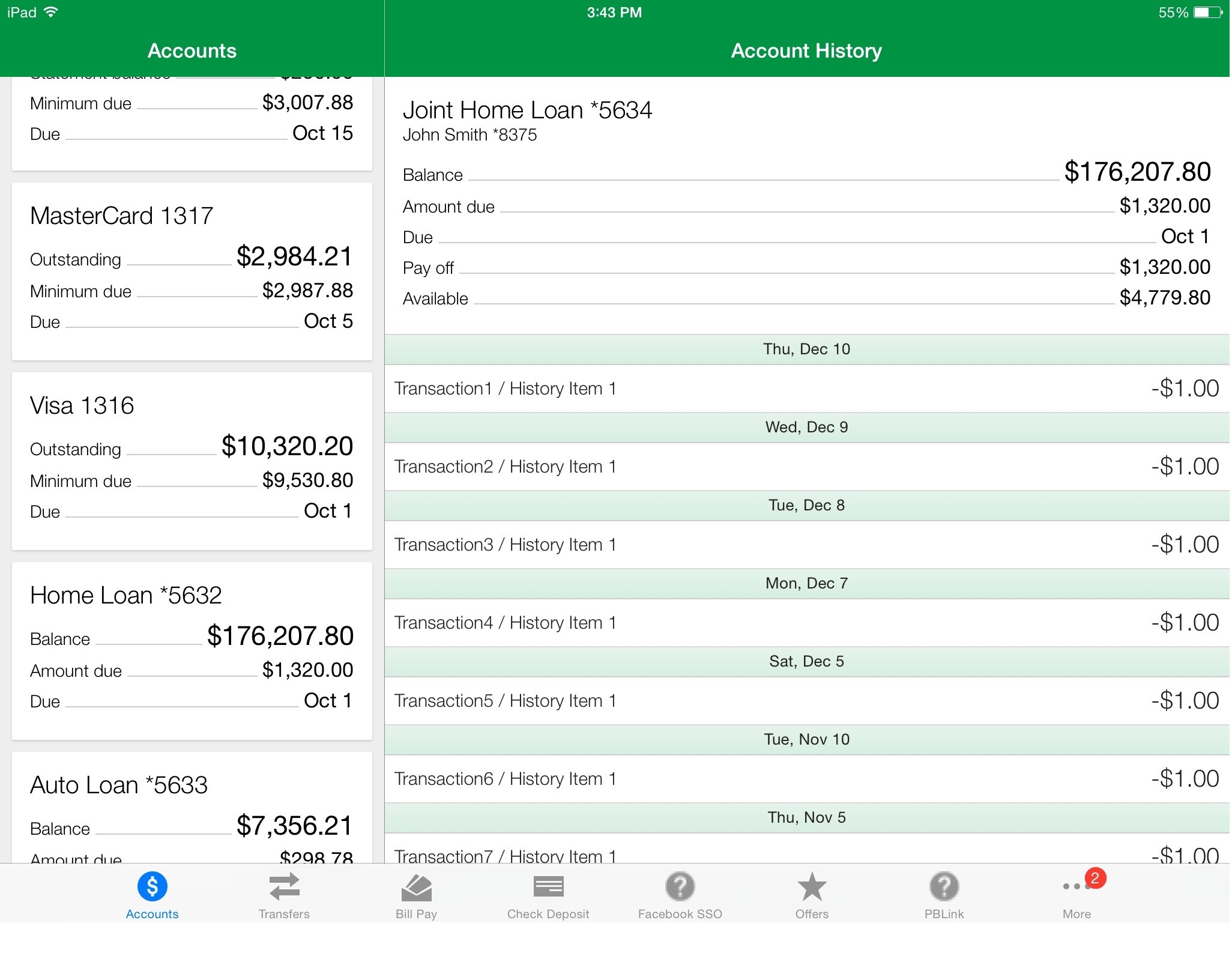
Landscape support- The app now supports landscape view. Split screen view on accounts- Users now will be able to view their account information alongside their account history. This feature is available for iPhone 6 and 6S users when in landscape orientation and available in both orientations for iPad users.
Android features includes:
User interface update- The account summary screen uses a card layout and the tablet banking app is now set up the same as the phone app.
Runtime permission request- The user will now be able to grant permission for the Android app to use personal data only when using certain features.