iPhone and Android Apps Updates – Quick Balance and Popmoney
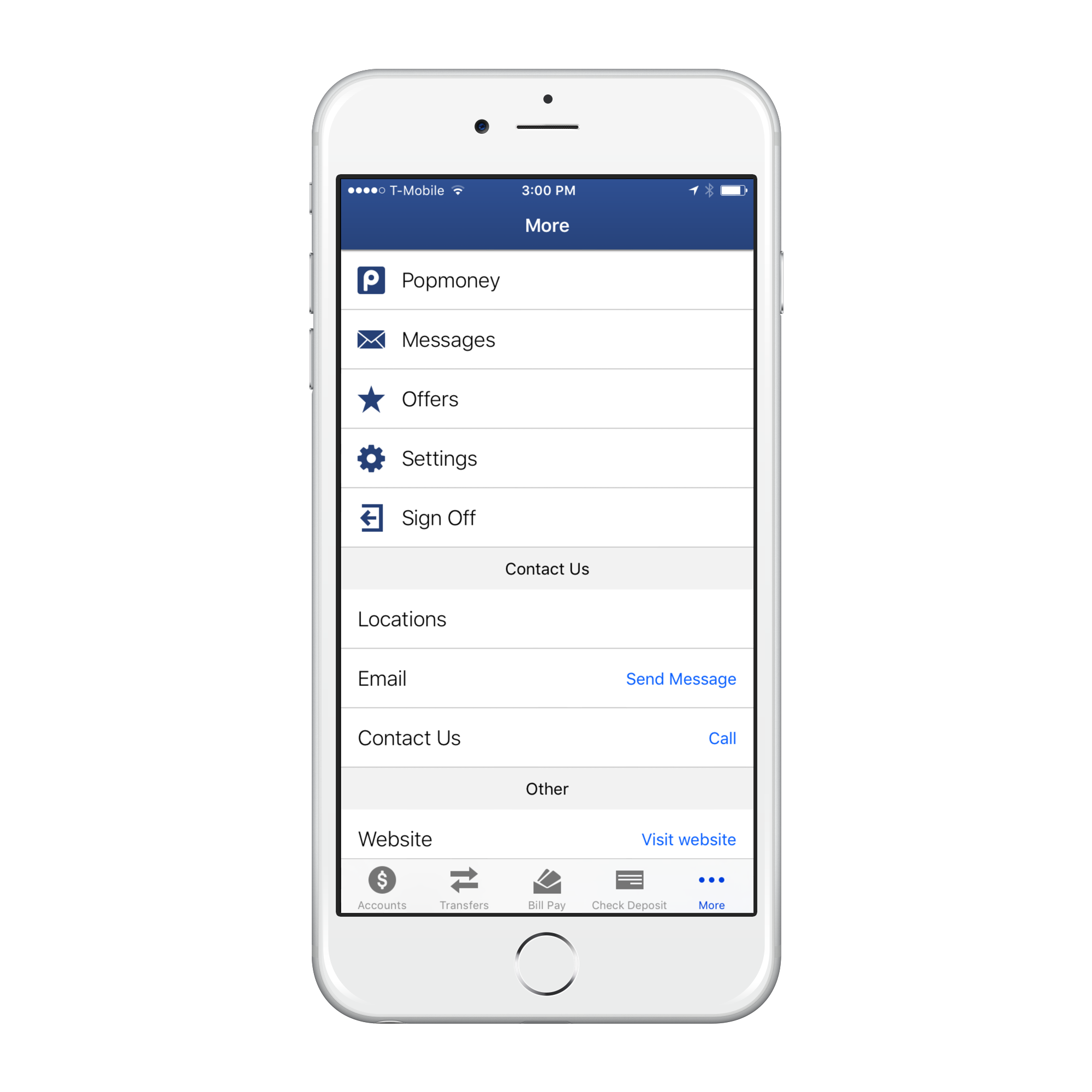
The next version of our iPhone and Android phone apps is due out any day now. Two big features in the new app are “Quick Balance” and “Popmoney Mobile”.
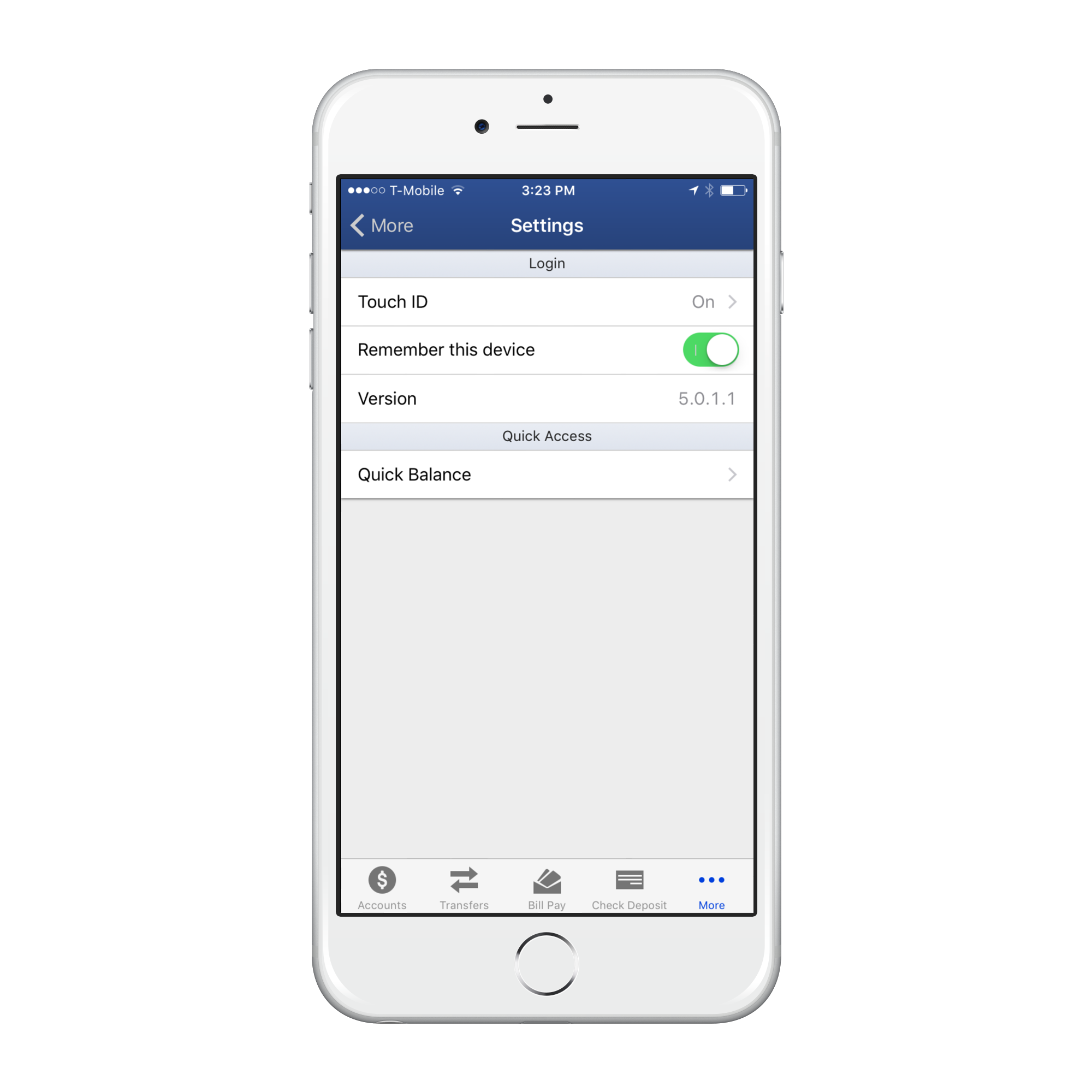
With Quick Balance enabled you can get the balances on all of your accounts without logging into the app. To enable Quick Balance and start using it, login to the app and go to “Settings” and “Quick Balance”.
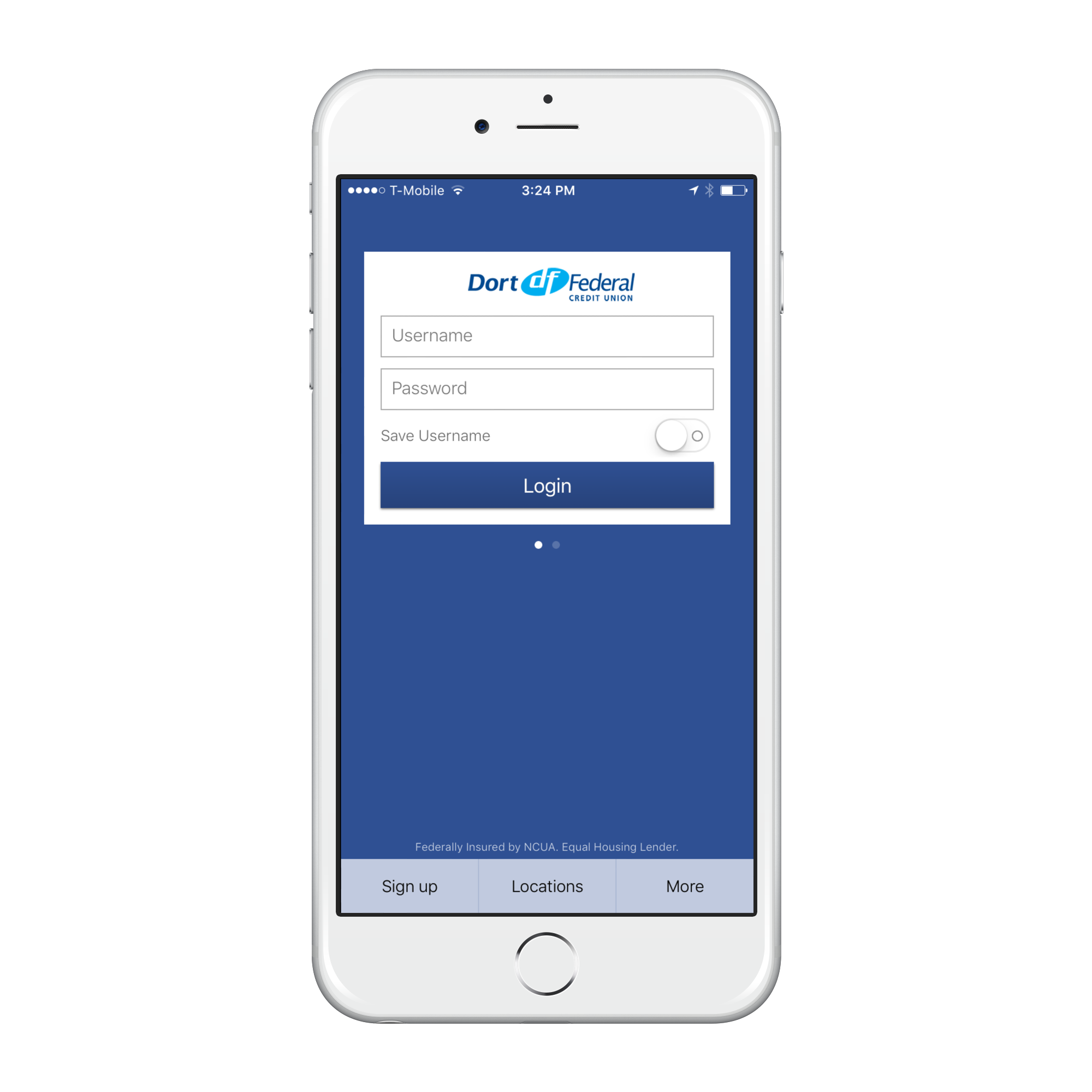
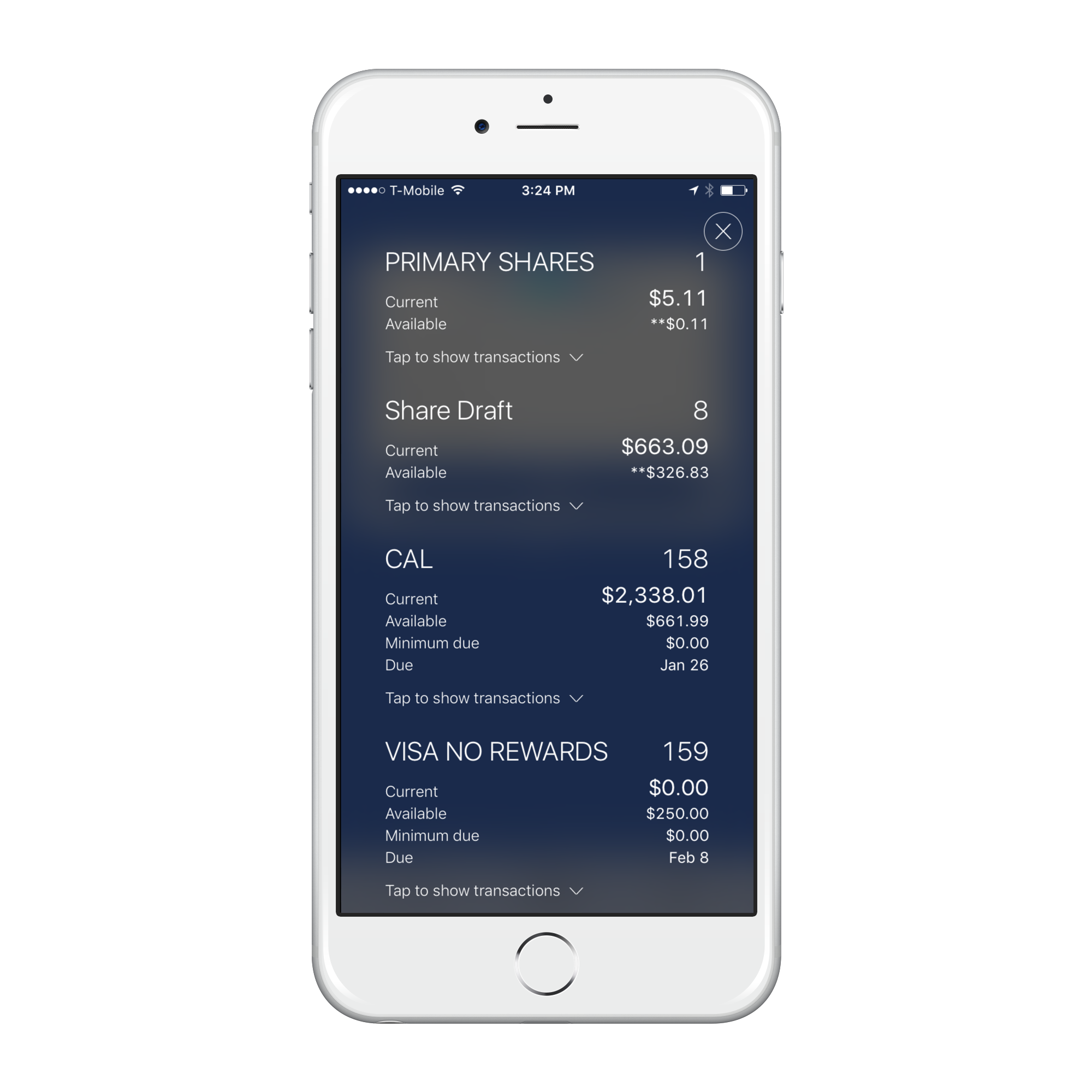
Then when you go to the app all you need to do is swipe down in the middle of the login screen and pull down your balances. The last 5 transactions on all of your accounts is also available on the Quick Balance screen.
Popmoney Mobile is now part of the app too making it easier than ever to send money to a member of your family, friend, or colleague. Popmoney can even connect to your phone’s contacts so you can easily setup a new person to send money to.